
dsh-TUI
已验证 · 实测可装 ccch1mneyyy
功能简介
解决DSH 官方尚无终端 TUI 痛点的补位之作,献给偏爱cli的各位极客:Claude Code 风格全屏交互终端插件——像素鲸鱼顶栏、实时工作状态行、思考流式展开、双击 Esc 回滚、上下文进度条 + TPS 仪表。npm 一键安装。
推荐 — 实测可用且热门
解决DSH 官方尚无终端 TUI 痛点的补位之作,献给偏爱cli的各位极客:Claude Code 风格全屏交互终端插件——像素鲸鱼顶栏、实时工作状态行、思考流式展开、双击 Esc 回滚、上下文进度条 + TPS 仪表。npm 一键安装。 实测能干净安装、正常启动。4213+ stars,社区认可度高,是低风险选择。
「已验证」表示我们的自动化 CI 在干净 profile 里实际执行了 dsh plugin add 并启动成功——仅此而已。功能描述与版本兼容性均为作者声明。这不是安全审计,也不代表对第三方代码的背书。
README

English | 简体中文





dsh-TUI
An interactive terminal UI plugin for DeepSeek Harness. It ships a
pixel-whale header, live work status, streaming thinking, double-Esc time
rewind, a context progress bar, and a TPS gauge. It mounts as a pure plugin,
with no core changes. Install to enable; uninstall leaves no patches behind.
Highlights
- Pixel whale pet — three startup intros, click to wake; freezes after the first task.
- Launchpad and first-run guide — every launch lands on a landing page with a real input box (big text + whale + quick actions, dropping whole blocks on short/narrow terminals); the first run walks a four-step wizard (API key / language+theme / model+workspace / shortcuts), re-runnable with
/setup. - Terminal-native UI — streaming Markdown, tool cards,
/and@completion,#L12-14ranges, history search, zh/en UI. - Images — Kitty/Sixel thumbnails, centered preview with zoom and pan, paste-time fitting, text fallback.
- Mermaid diagrams —
mermaidfences drawn as Unicode diagrams. - LaTeX math —
$…$and$$…$$formulas as Unicode text, fractions and limits stacked in display blocks;mathRendering: imagetypesets block and one-row inline formulas as terminal images on graphics terminals. - Timeline rail — every turn clickable; timeline / scrollbar / hidden gutter.
- Side panel —
Ctrl+Bsplits the chat with a panel column once the terminal is wide enough; drag the divider to resize it. All eight built-in panels are enabled by default. The header shows each inactive panel's symbol; hover to see its name. Narrow terminals and inline mode keep full-screen panels. - Live state — activity animation, context bar, TPS, cache hit rate, effort, tokens, session cost estimate (main + subagents), Git and session metadata.
Context-bar fill follows backend occupancy; colors estimate content composition. Compaction clears obsolete estimates, and missing composition displays a single used block. - One session manager —
/resume/home/agentview/bg⌸. - Session workflow —
/new/compact/export/btw, model hot-switch, fork, rewind, vim, fullscreen draft editor. - IDE selection channel — a VS Code selection lands in the prompt.
- DSH integrations — presets, skills, MCP, goals, todos, subagents, questionnaires.
- Account sign-in — the standard profile offers pi-ai OAuth for ChatGPT/Codex, Claude, and Grok (plus OpenAI direct and Meta Muse when available), and Host-owned DeepSeek browser sign-in as
deepseek-accounton DSH 0.2.0-rc.1+. Use/provideror/authwithout another plugin.
A profile-only update from a global TUI patch that already mountsdsh-tui-authcan still start the official loopback callback listener on demand; fixed-port SSH forwarding still requires the global package to be aligned. - Extensions — browser interaction, computer use and more.
- Built for long sessions — event-driven projection, virtualization, bounded caches.
Keys and commands: Interaction and commands. Everything else: documentation index.
Preview

Featured & Listed
Among the community plugins recommended by the official lead of DeepSeek
Harness, dsh-TUI is the first.
Featured by the DeepSeek Harness official WeChat account, listed in the
dshfind plugin
directory, and ranked #7 on GitHub Trending
daily (TypeScript).
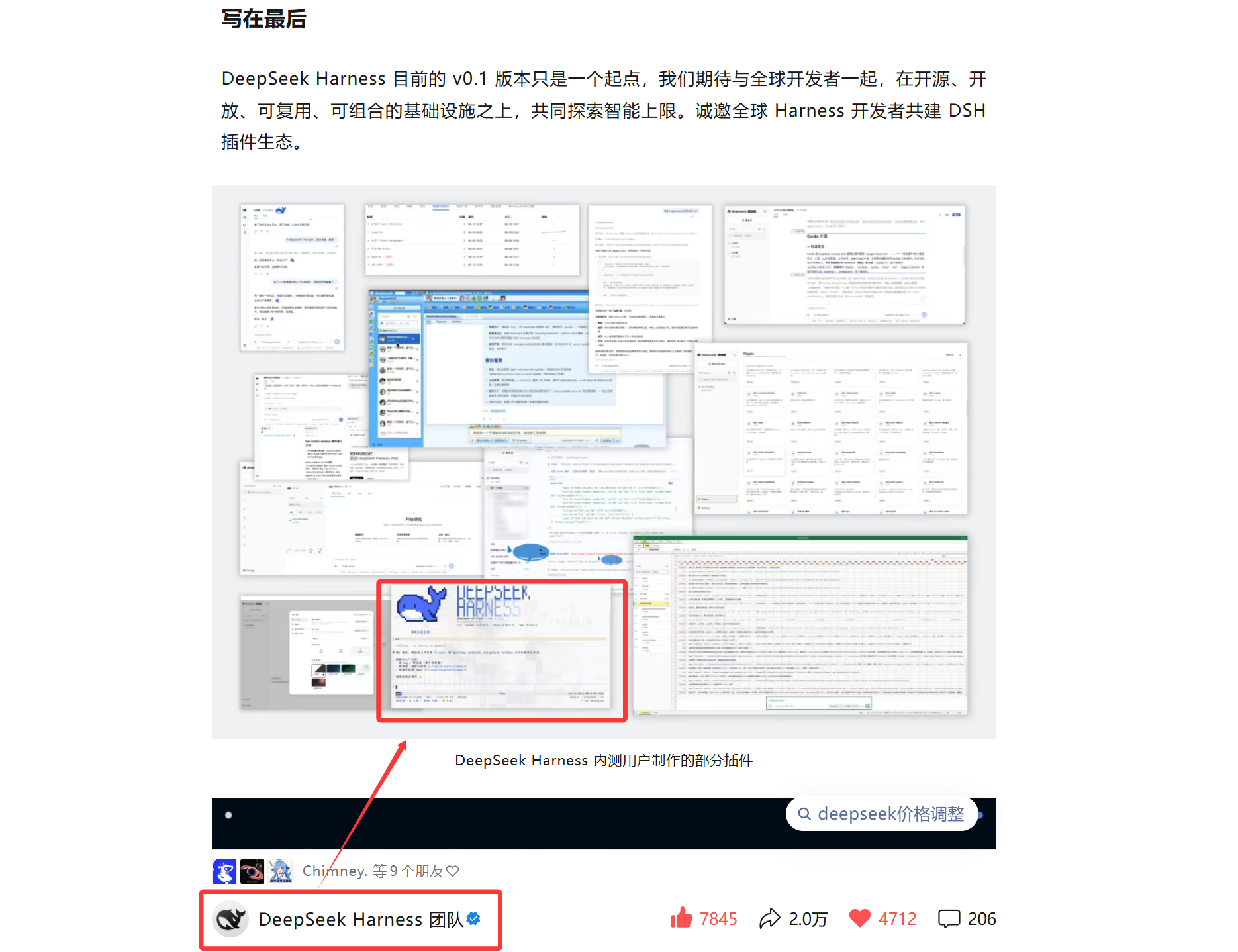
Featured by the official WeChat account |
Listed in the dshfind directory GitHub Trending Daily #7 |
Quick Start
Prerequisites: Node.js and
deepseek-harness.
The deepseek-official API-key route needs DEEPSEEK_API_KEY. On DSH
0.2.0-rc.1+, the standard profile can instead use /auth login deepseek-account
and select the separate account route through /model. Other supported
accounts can sign in through /provider or /auth after startup.
The primary compatibility target is DSH 0.2.0-rc.2. This adapter supports its
Shell API, V4 session messages, declarative presets, and profile-backed settings;
older supported hosts retain their compatibility paths. See configuration.
On DSH 0.1.7, /settings uses the TUI's actual Loader entry ID, including custom
IDs. It requires matching profile dependencies with @deepseek-ai/schemastery
3.18.3 or newer; an incompatible schema stops TUI startup with repair guidance
instead of showing an uneditable settings page. Older hosts keep their legacy settings scope.
# Install the CLI and this plugin globally (ships the dsh-tui command)
npm install -g @deepseek-ai/dsh @deepseek-harness-tui/dsh-tui

# Start (first run auto-initializes the profile; needs pnpm)
dsh-tui
# Both `dsh-tui` and the short `dst` alias start the same TUI.
dst
Manual alternative: dsh plugin --profile dsh-tui add @deepseek-harness-tui/dsh-tui.
The repo's sh install.sh runs that step and checks the required commands.
Afterwards dsh-tui and dsh --profile dsh-tui are equivalent.
New-user note: pnpm ≥11 blocks dependencies with install scripts by
default and reportsERR_PNPM_IGNORED_BUILDS. Updates skip foreign-platform@img/sharp-*native packages, saving about 200MB of downloads./update
anddsh-tui updatewrite both settings automatically. No manual step
needed. Details:
Getting started.
After startup the TUI checks for newer versions in the background. It never
blocks the first frame. Type /update for a one-shot upgrade. It restarts
automatically and resumes the current session. See
Getting started for the profile lifecycle,
source builds, and troubleshooting, including migration from the formerdsh-cc-tui package.
CLI
| Command | Purpose |
|---|---|
dsh-tui / dst |
Start the TUI; dst is a short alias for the same program |
dsh-tui --resume [id] · dsh-tui update · dsh-tui doctor |
Resume a session · update the profile and align the launcher · pre-flight environment checks |
dsh-tui safe |
Read-only diagnostics, plugin inventory and repair guidance; safe --rescue builds a clean rescue profile |
dsh-tui version · dsh-tui help |
Launcher and profile versions and usage; both work even without a dsh install |
Leading DSH options such as --dump-config and --patch <path> are forwarded
unchanged; other arguments go to the app in dsh --profile dsh-tui. Usedsh-tui -- --resume=sid-1 ./notes to send --resume=sid-1 ./notes as literal
prompt text, without selecting a session or workspace. When invoking DSH
directly, use dsh --profile dsh-tui -- -- --resume=sid-1 ./notes: the first-- belongs to DSH, the second to the app. Host options can precede a literal
prompt: dsh-tui --patch ./overlay.yml -- --resume=sid-1 applies the overlay
and sends --resume=sid-1 as prompt text without resuming that session.
Safe mode: Getting started.
Importing conversations from other agents (dsh-tui migrate)
Bring Claude Code, Codex, OMP, zcode, or Grok Build conversation histories into the DSH session store, then browse and resume them by their original working directory via /resume:
dsh-tui migrate                # list importable counts per agent (writes nothing)
dsh-tui migrate claude-code    # import every Claude Code conversation (likewise codex / omp / zcode / grok-build)
dsh-tui migrate codex --dry-run  # preview what would land, write nothing
Read-only source: migration only reads the foreign agent's local store; artifacts are written through the official
JsonlSessionPersistencebackend, so imported sessions are first-class (openable, continuable).Idempotent: one deterministic UUID per source conversation — re-importing skips what is already present instead of stacking duplicates.
Structure preserved: user/assistant messages, reasoning traces, tool calls with their results, and the source's context compactions (as native compaction checkpoints) are rebuilt turn by turn; harness-injected machine text opens no turn. An imported session can pick the work straight up.
In-TUI browsing: the session screen (/resume) shows a tab per agent that has conversations; picking one imports just that conversation and opens it.
In-TUI:/migrate(optionally/migrate <agent> [--dry-run]) runs the same import in a child process and reports through the notification flow.
CLI alternative:dsh-tui migrate ...from any shell runs the same import.
Full guide: Session migration.More agents (pi, opencode, …) extend the adapter registry as adapters land; grok-build reads
GROK_HOMEwhen set.
VS Code: use the integrated terminal or the dsh-tui-vscode extension. See VS Code guide. Herdr: run dsh-tui in a Herdr pane; idle / working / blocked are reported through its local integration API.
Bare --resume (-c, --continue) reopens the selected backend's last session.
If an unknown backend id falls back to DSH, it uses DSH's resume marker.
An explicit --resume <id> passes that id to the selected backend.
Experimental: Claude backend
dsh-TUI can also run its session on Claude: the same interface, driving the
Claude Code CLI through the Claude Agent SDK. Your project's CLAUDE.md,
settings, hooks, MCP servers and plugins load as the CLI loads them.
# once, in the dsh-tui profile directory (the SDK is an optional dependency)
cd ~/.dsh/profiles/dsh-tui && pnpm add @anthropic-ai/claude-agent-sdk@0.3.287
dsh-tui --backend claude     # or pick Claude in /kernel; that choice is remembered
The easiest install: open the kernel picker (the launchpad "Kernel" entry or/kernel) and press Enter on the dim Claude row — the wizard locates the
profile directory and installs the pinned SDK for you; the command above is
its manual equivalent.
- Sign-in: a
/channelrelay profile, your dsh-authanthropicsign-in
(/login),ANTHROPIC_API_KEYor cloud-provider variables, or an existingclaude login, in that order. AclaudeonPATHis used when present,
otherwise the SDK's bundled binary. - Works: streaming, tool cards, approvals and questions,
/model,/effort, Claude's permission modes (/permission,Shift+Tab),/compact,/context,/mcp,/resume,/fork, double-Escrewind,
subagents, background jobs, images,/btw, and the USD cost Claude reports. - Not available: DSH-only commands such as
/tree,/preset,/provider,/workspace,/agentviewand/bg. One process runs one
backend;/kernelswitches by restarting into a new session.
Details and known limitations: Claude backend.
Experimental: native Codex backend
Run your own Codex through codex app-server, sharing its configuration,
login, instructions, skills, hooks, MCP and native threads:
npm install -g @openai/codex@0.160.1
dsh-tui --backend codex
dsh-tui --backend codex --resume <thread-id>
Protocol baseline 0.160.1, minimum 0.144.0; other versions may show
drift. CODEX_EXECUTABLE selects a binary; /kernel remembers the backend.codex resume <id> can open the same thread after the other writer exits.
This is not migrate codex, which imports history into DSH.
With native credentials, a writer conflict for an idle thread retained by the
official background server triggers a reconnection to that server. Managed
subscription credentials and /channel connections use private app-server processes.
Streaming/tool cards, approvals, questions, steer/queue/interrupt, model and
effort controls, Plan, /review, /diff, /usage, /init, skills and MCP
share the existing UI. Shift+Tab only toggles Plan, keeping its underlying
permission preset; Full Access requires an explicit choice. Existing Codex
settings are respected, not overwritten with defaults. /login offers
ChatGPT OAuth, a device code or an API key (the last writes to Codex’s own
credential store). Relay /channel connections take precedence; managed
subscription tokens are only injected on first-party routes. dsh-TUI does
not write ~/.codex/config.toml or log out your native Codex account.
TPS includes hidden reasoning time and excludes tool execution time. Live
text estimates are corrected when Codex reports output token usage.
Native browsing/archive, fork/conversation rewind, paged history, images,
subagents, polled background terminals, goals and /btw//recap use the
existing surfaces. /logout removes only the matching dsh-auth credential;
already-loaded managed tokens require a normal restart, not native logout.
The real 0.160.1 app-server passed nine credential-free offline checks and eight
daemon-resume checks, with no model turn or charge; real subscription login, credentialed model calls
and real-TTY interaction were not run. Only Codex identification/title
changes automatically, not palette or companion.
Using ChatGPT subscription tokens in third-party clients is subject to
OpenAI’s terms. Full instructions and current boundaries:
Codex backend.
Keybindings & Mouse
Enter send · Tab complete · Ctrl+Enter interrupt and send · Alt+Up recall the last message · Esc dismiss, double-Esc rewinds · Ctrl+B side panel · Ctrl+O details · Ctrl+R history (↑/↓ and Ctrl+R are scoped to the current project) · Ctrl+V paste · Ctrl+Shift+E fullscreen draft editor · ? shortcuts · ← open the session manager (DSH backgrounds the current session first).
While the model is working: Enter steers, Tab queues a follow-up, Ctrl+Enter interrupts and sends. Input that names a command is still a command — with or without arguments — so /model or /new reach their own gate (and the / overlay sinks the commands that affect the running conversation) instead of silently becoming an interruption; only text that is not a command — and a direct skill gesture such as /skill-name … — steers.
On native Windows, fragmented Win32 input records are reassembled across short input delays instead of appearing as numeric protocol text. The platform check only reports that this machine might run the private mode (win32-input-mode); a bare ESC[ fragment is held only after one record has actually been decoded, while a fragment whose own shape is already record-specific holds on its own (which is how even the first record can survive a split). Windows terminals that never enter the mode (mintty, GitBash) therefore keep the classic VT path: a lone Esc keeps its normal response time, and a letter typed after a timed-out ESC[ is not swallowed.
Incomplete records are held for a bounded recovery window (1 second from first capture, never extended by later input; 64 bytes max); past either bound the hold ends and input is handled as before. Unrecognized complete CSI sequences are not inserted as text; after a damaged CSI prefix, a bare ASCII letter can be consumed as its terminator, while normal Win32 key records and bracketed-paste text retain their own boundaries.
A session's very first record can still leave residue if it is split before its record-specific shape forms; once any record has been decoded, every split position is covered. Inside the recovery window, literal input starting with [digit;… cannot be told apart from a protocol prefix — it may be held, or re-joined to a preceding Esc. To type it, wait for the window to close, or avoid that shape right after Esc.
Terminal replies that arrive split are reassembled the same way (native Windows ConPTY is the common source): while the app still has a query awaiting its answer, an unfinished DA1 / DA2 / DSR / DECRPM / XTVERSION tail — even one split again after the introducer Esc was flushed — is held across input delays, but only while its shape can still complete into the response type that query expects. It is then consumed as the reply it completes instead of entering the prompt as protocol text.
That claim is evidence-gated, and this is the difference from earlier builds: no query awaiting an answer means nothing is claimed, so a literal [?61;4c typed right after Esc still enters the prompt exactly as before.
The window is bounded like the record hold (about a second, never extended by later input; 64 bytes max); past either bound it ends, and bytes still shaped like an unfinished reply prefix are dropped rather than shown.
Inside that window, with a query of the matching response type outstanding, same-shaped literal input can still be claimed as a reply; to type it, wait for the window to close (about a second), or avoid that shape while a query is outstanding.
Fragmented SGR mouse reports no longer land in the prompt as text: an incomplete report header is held until the rest arrives, and a report that completes is handled as a mouse event. The hold is armed only while mouse reporting is actually active (fullscreen, with mouse tracking enabled); inline sessions and terminals that never enable tracking keep the existing behavior. The claim window is bounded from first capture (at most 1 second; 64 bytes max), and a continuation arriving inside it is still claimed rather than replayed. Release has no timer: once a parse call sees either bound exceeded, it replays the held bytes as ordinary keys in arrival order — literal input can be delayed, but is never dropped.
Mouse (fullscreen): drag to select and copy, double/triple click to select a word or line, click tool cards, timeline ticks and [Image #N] previews.
File paths in prose can open the file-action menu; automatic detection does not extract a path from inside a slash-delimited token such as working/idle/needs-input or a date such as 2024/01/15.
Pasting: native and bracketed paste keeps ordinary text and newlines, and never submits itself on arrival. On Windows terminals that deliver a paste as win32-input-mode key records, a record stream leaked into the payload is decoded back into the characters its Uc field encodes — newlines included — so the composer's line count matches what was pasted; only records with no character meaning are stripped (a multi-line paste no longer leaves stray _), and a complete record is always consumed before an ESC-less tail, so no payload character is deleted along with an orphan escape. Pasted CRLF collapses to a single newline; genuine underscores and bracketed-paste text are untouched.
Dropped files: a native Windows desktop drop (Windows Terminal / OpenConsole) arrives as an OSC 8 hyperlink; the parser restores its file:// URI to a decoded local path before paste hygiene runs, so the ]8;id=…; parameter bytes never reach the draft. Image paths enter the existing image staging pipeline; other files are inserted as a referenceable path (a path containing whitespace arrives in the composer's quoted "…" single-token form). Only file:// URIs are restored, and it is fail-closed: a remote authority/UNC, a payload carrying several distinct URIs, or a URI that carries several tokens is refused and stays literal text rather than guessed.
Full reference: Interaction and commands.
Built-in Commands
/resume · /home · /agentview · /bg · ⌸ open the same session manager: workspace rail, live state, filter, ★ pins. Also /model /new /compact /export /btw /tree /fork /rewind /settings /setup /status /cost /jobs /skills /mcp /provider /auth /login /update.
In /provider's model list, focus a model and press Tab to edit its context window, max output tokens, reasoning efforts, and image input capability.
The session manager paints the last successful list immediately while it checks the persistence store for changes. Titles that require a deeper log scan appear first with a fallback name and update in place when recovery finishes.
With DSH's current JSONL backend, startup and /new keep initial permission events in memory until further session activity or an explicit durability flush saves the complete log. Restarting an unstored empty session starts fresh.
Removing a workspace registration keeps its sessions accessible under a "History only" directory in the rail.
History-only directories offer edit and new-session actions; rename and remove are available for registered workspaces.
Background jobs: card headers open the focused task panel. Click the card body or use Ctrl+O to toggle the command between its first statement and full script. Commands and output use separate colored edges with ❯ (> on Windows) and ≡ on their first rows; output always stays at the latest two visible rows. /jobs and the side panel keep the full output scrollable, while e toggles the focused command. Consecutive blank script lines collapse to one.
Background sessions: On the DSH backend, /bg or ← on an empty prompt backgrounds the current session and opens the session manager; Esc returns to it. Background sessions run in this process and stop when the TUI exits. Logs survive. On Claude/Codex, those entries open the session manager without backgrounding the session.
Full commands: Interaction and commands.
Configuration & Extensions
Agent presets, themes, MCP servers, environment variables: Configuration · Themes.
How It Works
dsh profile → dsh-base → dsh-TUI Cordis patch → agent preset + DSH services
  → session/event → Channel projection → React components → Ink/Yoga renderer → terminal
The TUI handles interaction and presentation. The session log is the source of truth. DSH services own models, tools, and persistence. Long sessions render in O(visible window).
Runtime path, module boundaries, performance notes and persistence locations: Architecture and limitations.
Known Limitations
- Injected plugin context has no standalone display; it counts into the context segments.
/modelswitches by forking the session; the old session stays in/resume(a session nobody has typed into records no branch, so your first prompt there still gets a generated title).Ctrl+Vneeds platform clipboard tools; unsupported bitmap formats are rejected.- A dropped file is restored from its OSC 8
file://URI alone: multi-file drops, non-Windows terminal drop encodings and terminator-less truncated frames are not covered, and the hyperlink's own display name is never used. - A background session lives inside this process and stops when the TUI exits.
/thinkingis not persisted; the kernelminimalagent preset (极简模式, one persistent-shell tool) mounts no compaction and does not prune tool results — a long session can hit the context limit, oversized tool output stays in the context in full, and/compactplus the questionnaire are unavailable under it (Help and/completion mark the entry, and entering the preset says so once); that is a different thing from the/settings → Minimal UI(极简界面) display switch;/updateneeds adsh --profilelaunch and is refused while a turn is running.- The status-bar
≈¥and/costare session estimates that include subagent usage (priced per each agent's model × peak/idle × cache components); unofficial or unlisted models show tokens only and are marked unpriced. The platform bill is authoritative. - Fragmented SGR mouse reports are covered at the mechanism level with controlled fixture comparisons; the reporter environments (macOS → SSH, WSL2 with
dsh web) have not been re-tested.
Full list: Architecture and limitations → Known limitations.
Development
CI uses Node 24 and pnpm 11. The package supports Node ^22.19 || >=24.
pnpm install --frozen-lockfile
pnpm build
pnpm smoke
lib/types/ is ignored generated output. pnpm build recompiles it from a
clean output directory and runs the build gates. Git URL installs are not
supported. The source manifest keeps @dsh-std/* as workspace deps andvendor/dsh-std as a submodule. pnpm ≥11 also refuses git-hosted prepare
scripts by default. Install the registry package instead:dsh plugin --profile dsh-tui add @deepseek-harness-tui/dsh-tui. Rendering,
questionnaire, or tool-card changes also need the matching regression scripts.
Plugin Ecosystem
Plugin development: admission & development guide · plugin-template · dsh-tui-ecosystem. Reference implementation: dsh-working-activity.
Seam grading and API notes: Plugin development. The organization maintains the listing only; it does not endorse community plugins.
Documentation
- Start — Getting started · VS Code
- Use — Keys and commands · User guide · Themes
- Configure — Configuration
- Internals — Architecture and limitations · Session mounting
- Plugins — Admission and development · Seams
- Contribute — Contributing · Roadmap · Community
Everything, bilingual: docs/README.md.
Community
- Ecosystem organization: dsh-tui-ecosystem
hosts community plugins, templates, and the curated list. Come ship a
plugin, pitch an idea, or just hang out 🐋 - Chat groups (Chinese-language): usage questions, plugin ideas, and
feature wishes are all welcome. - Code of conduct: please read the
Contributor Covenant Code of Conduct before taking
part.
| WeChat group (dsh-TUI community 4) | QQ group (ID 572549239) |
|---|---|
 |
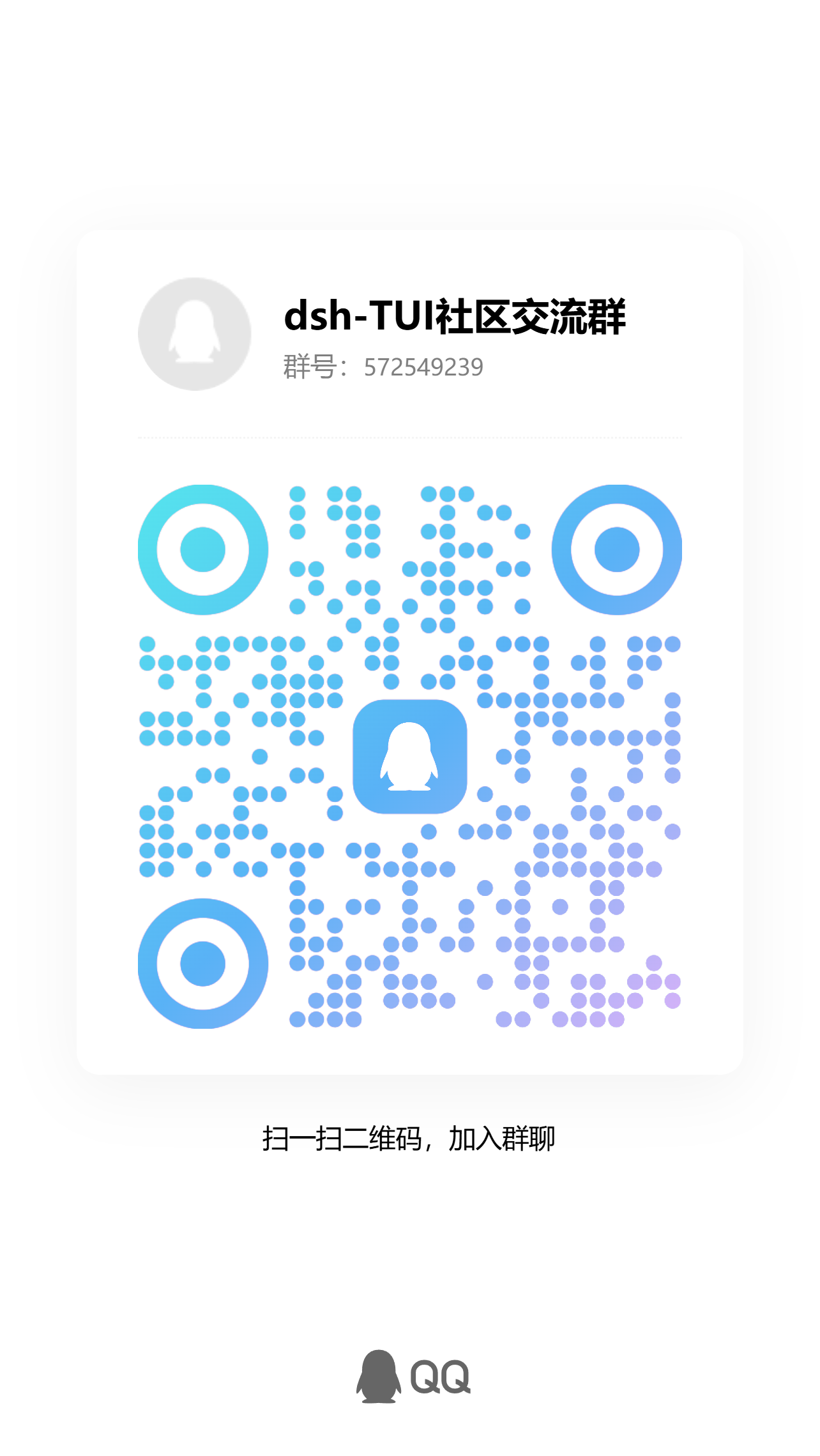 |
The WeChat QR code expires roughly every 7 days; if it stops working, use
the QQ group (572549239) or open an issue to nudge us for a refresh.
Permissions and Security Boundary
Windows security warning: the Windows profile defaults to
danger-full-accesswith approval set tonever, so tools have unrestricted access. Inspect and tighten the profile before starting next to sensitive credentials or in an untrusted repository.
No sandbox of its own: dsh-TUI uses the active DSH profile's filesystem, shell, sandbox and approval policies. Permission presets come from the DSH permissionPresets registry.
Details: Permissions and security boundary.
Acknowledgments
- The pixel whale's 22 hand-drawn frames and its idle behaviors are ported
from dsh-ui-whale. The frames
were drawn cell by cell in Excel. The idle behaviors are fin flutters, tail
thumps, sleep Z's, and click hearts. dsh-ui-whale is the DeepSeek Harness
web whale-pet plugin by @lhh010, BSD-3-Clause.
Thank you for the art and the inspiration 🐋💜
Friends' Links
Community, related projects, and companion tools built by friends:
see the links page
Stars

Maintainers
 ccch1mneyyy Core development & maintenance |
 CikeSeven Performance & stability |
 T-Auto Architecture & ecosystem adaptation |
 AdamPlatin123 Security & interaction |
 Nagi-ovo Test infrastructure & terminal rendering |
※ In no particular order
Contributors
License
安装
装一次目录插件,之后本站所有插件都能让 DeepSeek Harness 自动找、自动装:
dsh plugin add dshbase-catalog然后对 agent 说「帮我装 dsh-TUI」,它会在目录里找到并自动安装。文档:dshbase-catalog · 已验证场景包。
该插件是 GitHub 源码(未发 npm)——直接从仓库装:
Web profile:
dsh plugin --profile web add github:ccch1mneyyy/dsh-TUIHeadless(CLI)profile:
dsh plugin --profile headless add github:ccch1mneyyy/dsh-TUI实测报告
验证通过:从 GitHub 源码完成 L1 安装 + L2 加载 + L3 运行(dsh 0.1.0-rc.6)。
使用场景
改善终端体验——TUI、命令面板或 shell 集成——让 dsh 在终端里如原生一般。
适合谁
终端优先、从命令行驱动 dsh、想让它像熟悉的 CLI agent 一样工作的开发者。
二次开发建议
TUI 布局和 shell 集成是缝——加面板、快捷键或新的 shell 钩子。
分享徽章
把这枚徽章粘进 README——它会链回本页,实测状态变化时自动更新:

[](https://dshbase.com/zh/plugins/dsh-TUI/)<a href="https://dshbase.com/zh/plugins/dsh-TUI/"><img src="https://dshbase.com/badges/dsh-TUI.svg" alt="dshbase 实测可装"></a>